
E-Filing
Automated wage-report submission for the Albanian e-filing portal. Upload a workbook, press start, and every employee record is filed without touching the government site yourself.
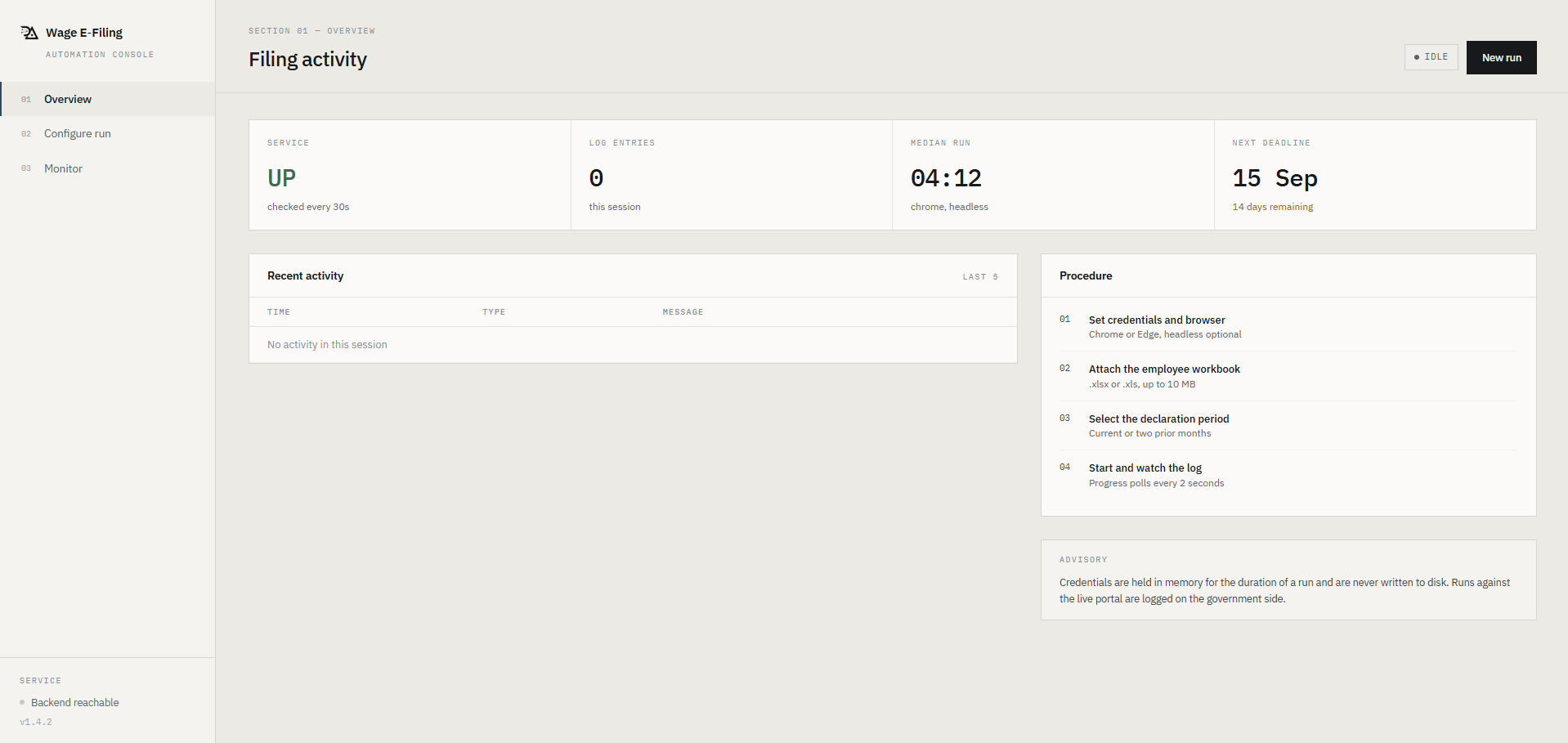
Configuring an automated wage-report run for the e-filing portal
From spreadsheet to submitted declaration
04 stepsConfigure your run
Select a browser, enter your e-filing credentials, upload the employee workbook and pick the target month. One form, everything in one place.
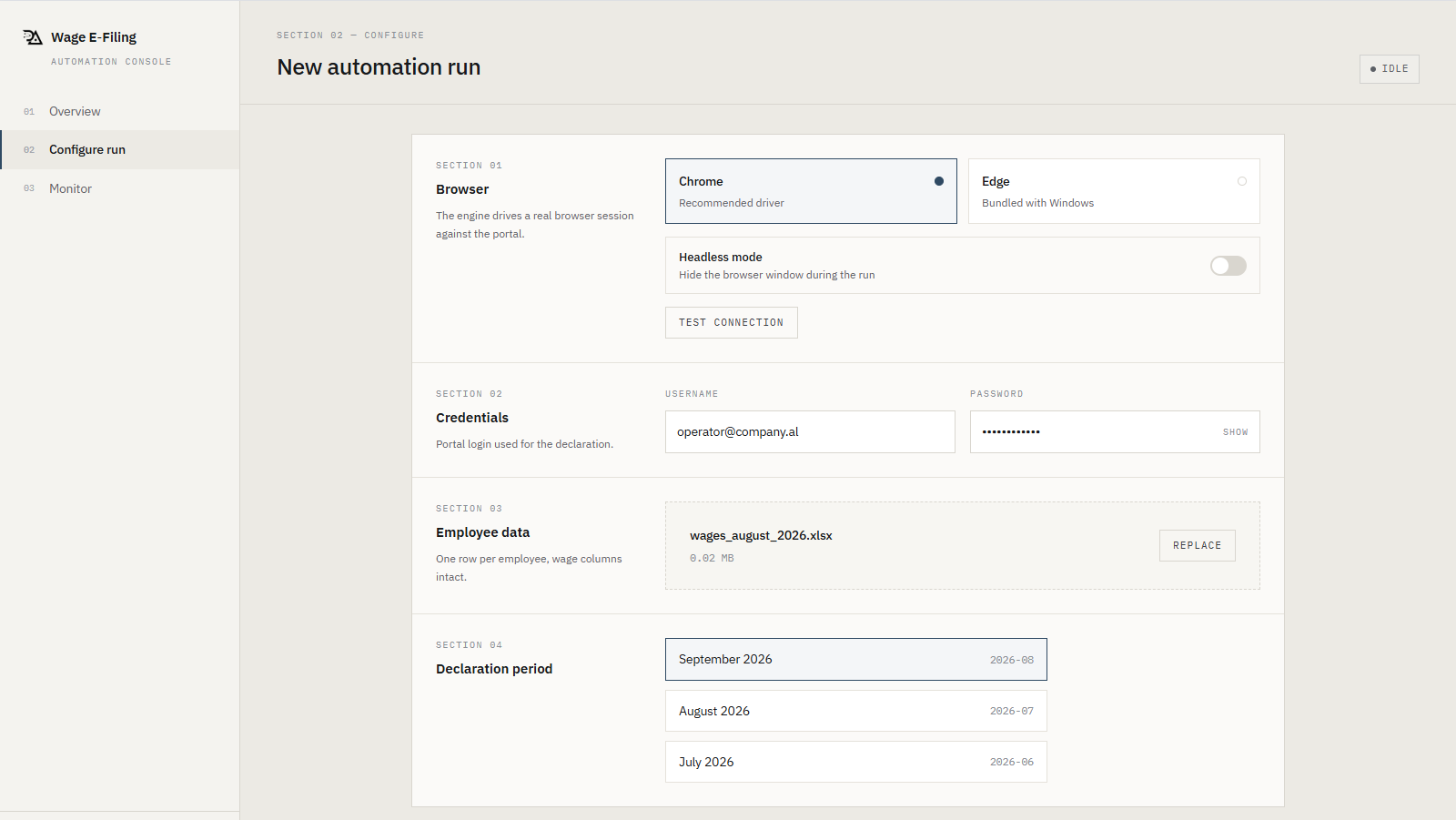
The automation form - browser, credentials, workbook and target month configured
Login and navigation happen automatically
The system opens the government portal, logs in with your credentials, accepts terms, navigates to the payroll section and selects the target month. You see every step in the live log.
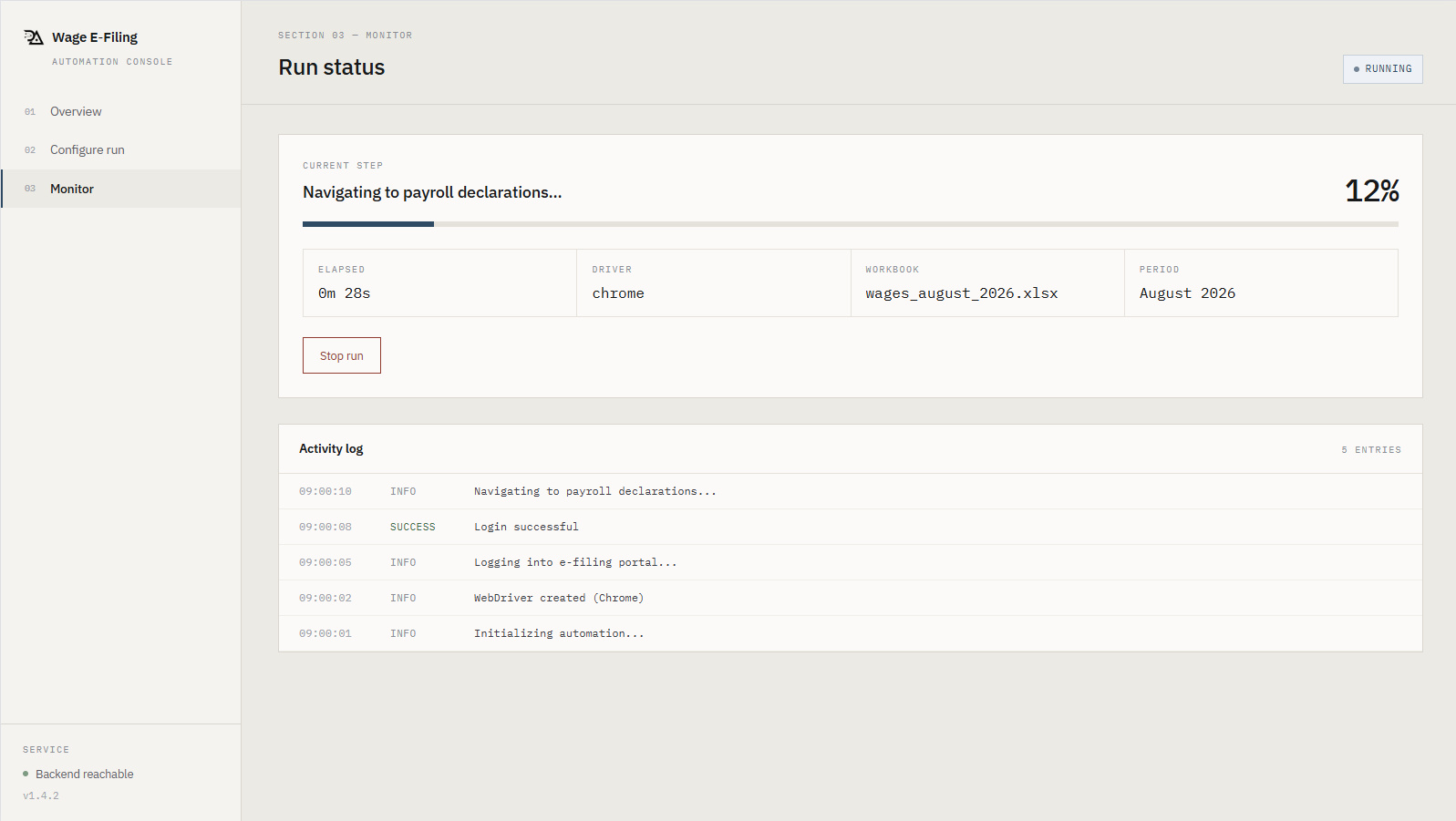
Early progress - logging into the e-filing portal
Each employee record is filed
For every row in the workbook, the system searches by employee ID, opens the edit form, updates days worked and wage, and saves. Failed records are flagged without stopping the run.
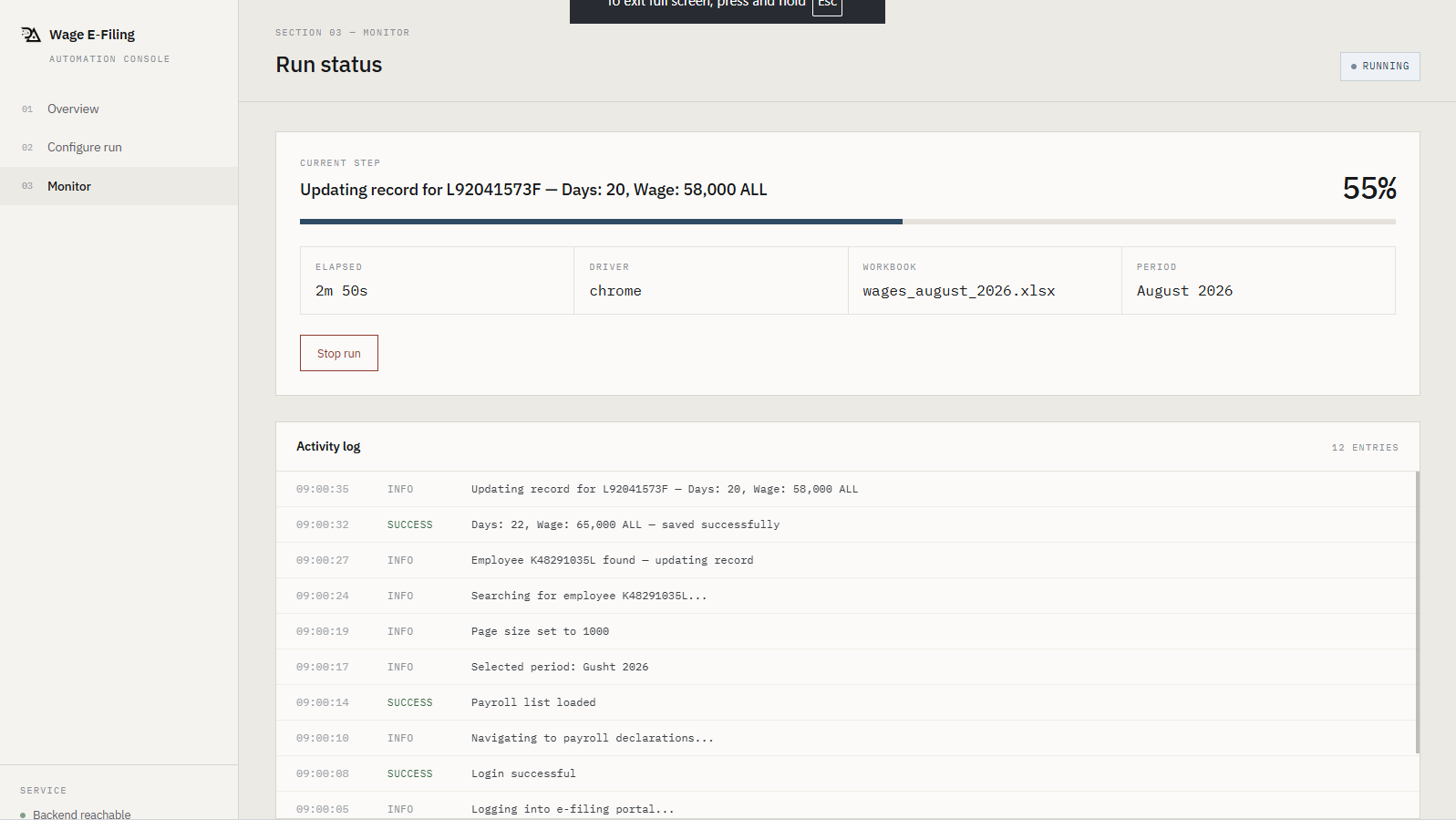
Mid-run - processing employee records one by one
Review the results
When the run finishes, you get a count of successful and failed submissions, total runtime, and the full activity log. The browser stays open so you can inspect the portal state.
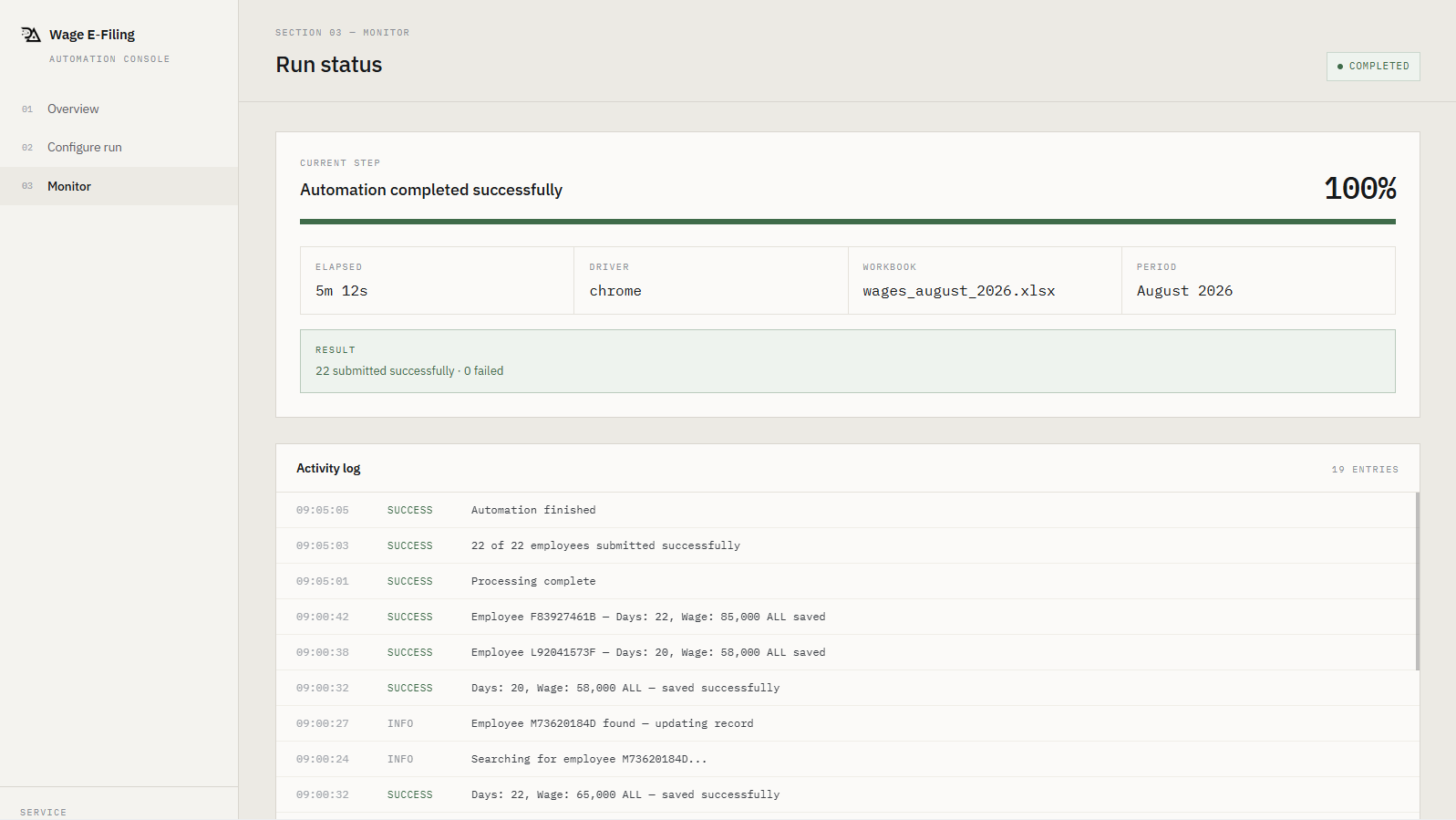
Run complete - all employees processed, results summary visible
What ships in E-Filing
06 capabilitiesEmployee IDs, days worked and wages are validated before the browser opens. Bad rows are logged, not submitted.
Pick your browser. Headless mode runs without a visible window for unattended operation.
Watch every step in real time - current employee, progress percentage, elapsed time and a scrolling activity log.
Employee IDs are validated against the Albanian format (letter + 8 digits + letter) before submission.
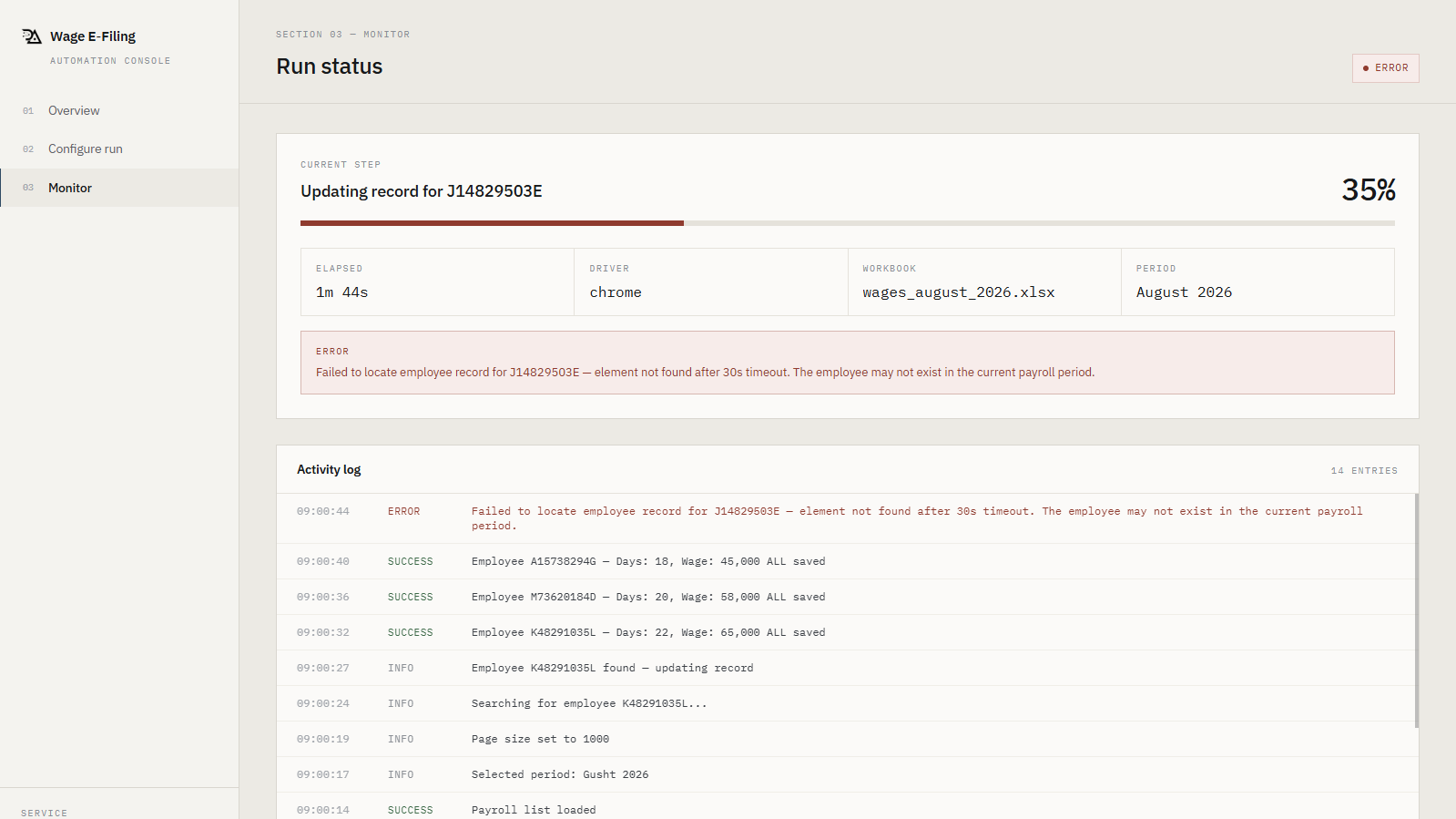
A failed employee does not stop the run. Failed records are collected and reported at the end.
Choose the declaration month from the last three periods. The system translates to Albanian and finds the right row on the portal.
Interface reference
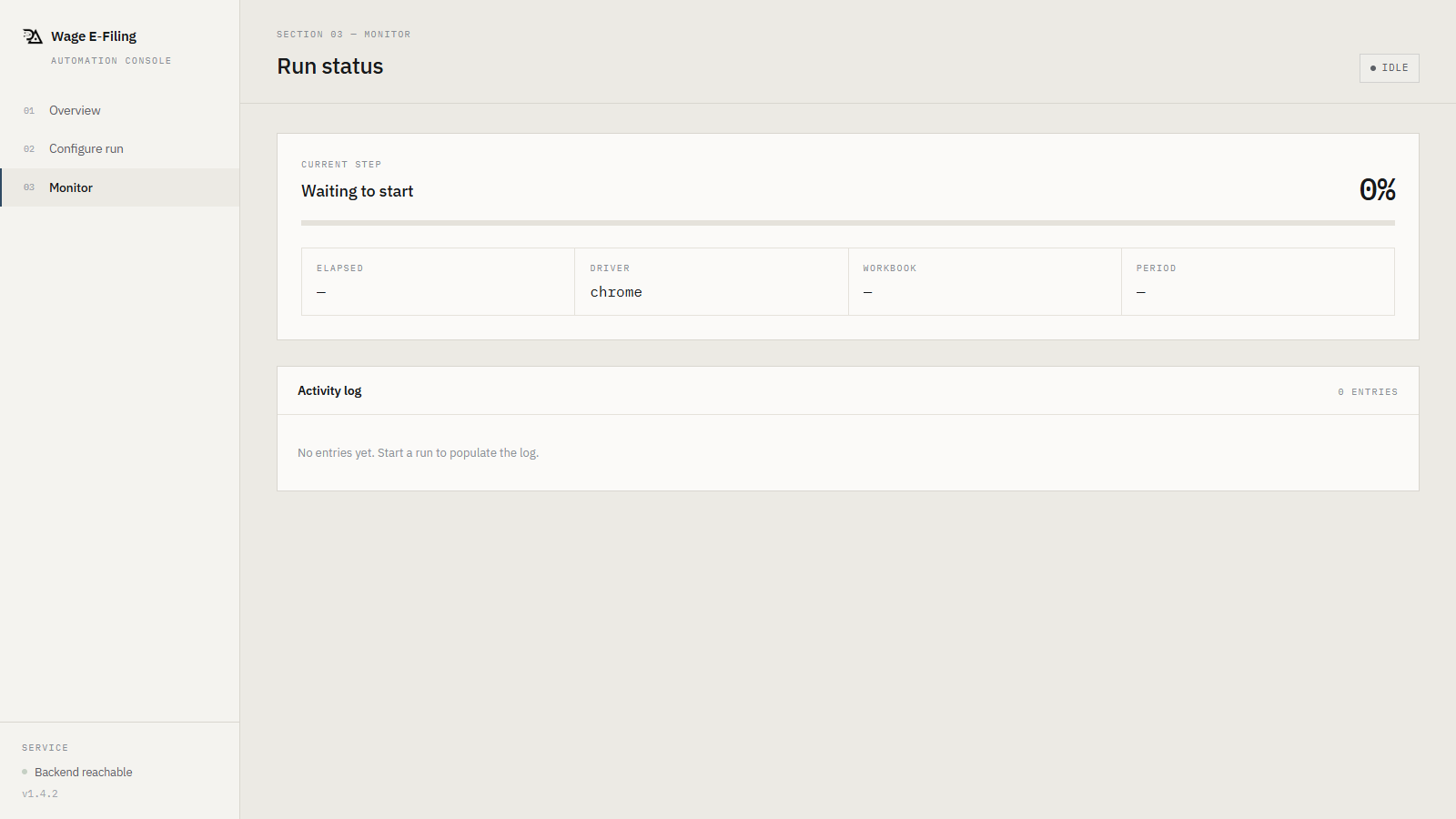
Screens 01–04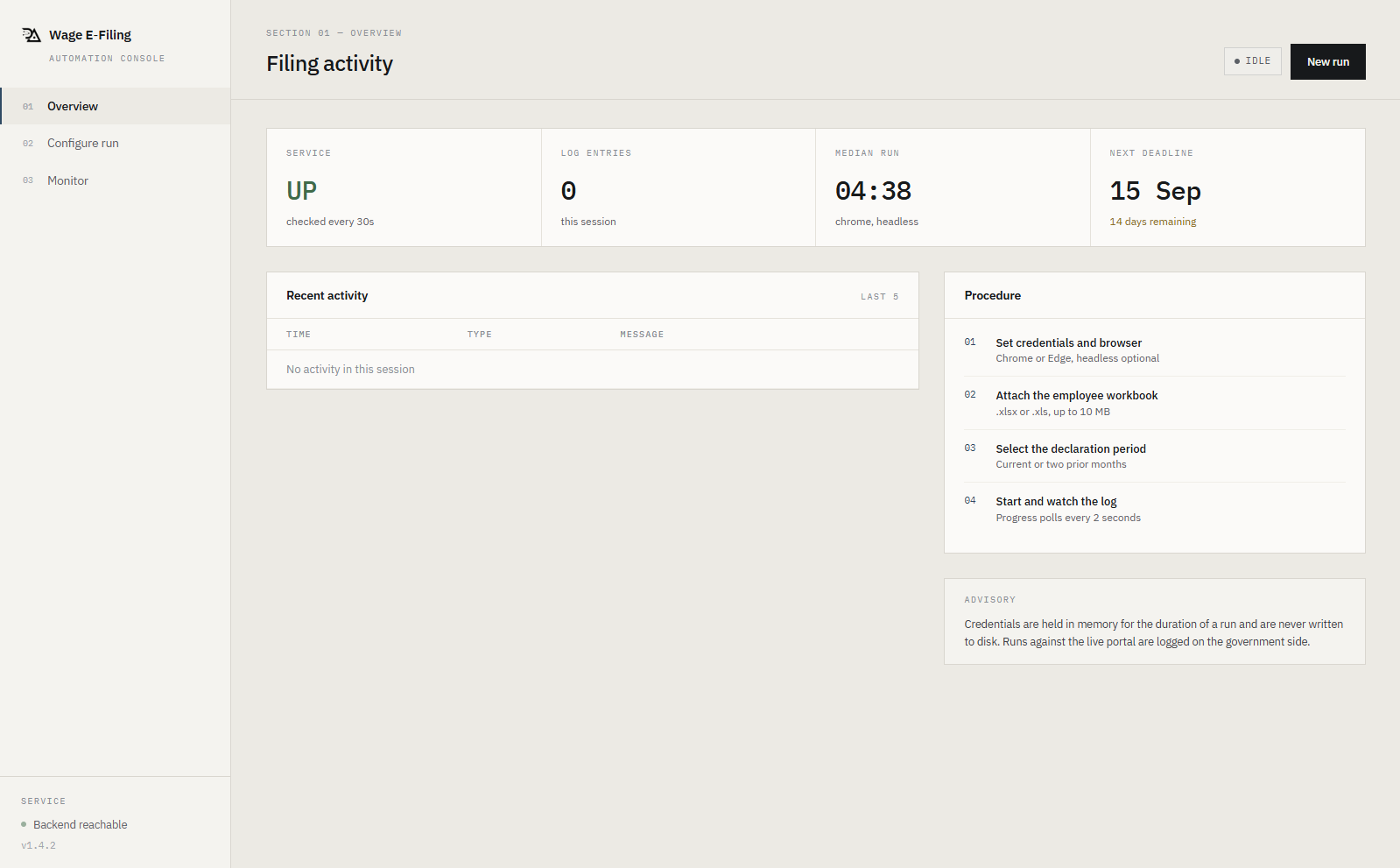
Built for payroll administrators
E-Filing replaces the hours spent manually entering employee data into the government portal. Upload once, file everything, review the results.
Typical use: monthly wage declarations, 10–500 employees
Frequently asked questions
04 questionsQ.01What does E-Filing automate?
E-Filing automates data entry on the Albanian e-filing portal (efiling.tatime.gov.al). Instead of manually entering each employee wage report, you upload an Excel file and E-Filing submits every record for you.
Q.02What format does the data need to be in?
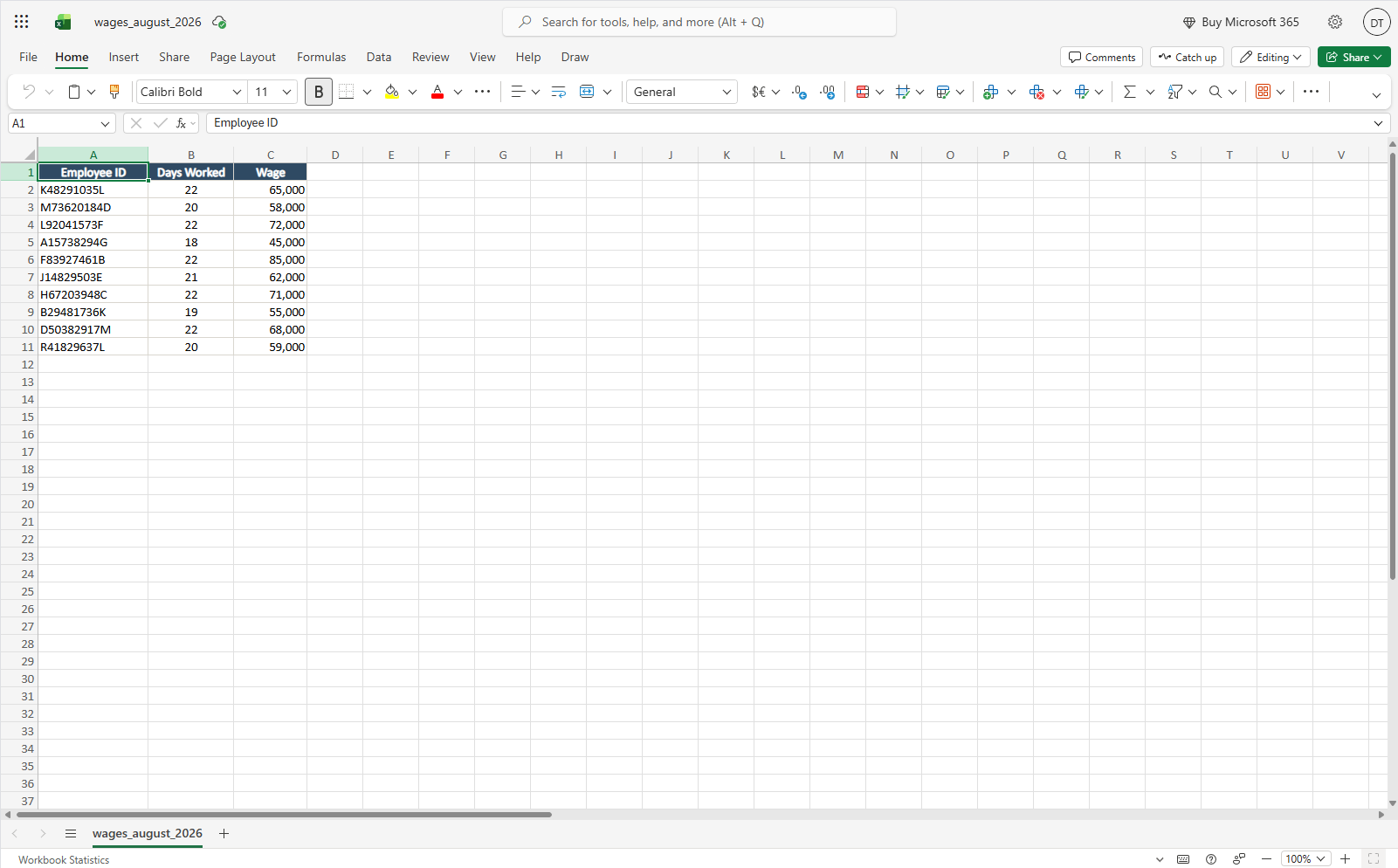
A standard Excel workbook. You fill in your employee data and E-Filing handles the rest.
Q.03What happens if a submission fails?
E-Filing has built-in retry logic. Any entries that could not be processed are flagged and exported so you can review and resubmit them.
Q.04Is our employee data secure?
Yes. Your data is used only during the submission process and is never stored in our systems.
Contact us and we'll give you test credentials so you can run a trial with 5 employees.
Book a demo